

Anubis Client
All-round utility client with a clean click GUI. Currently in beta.
Preview
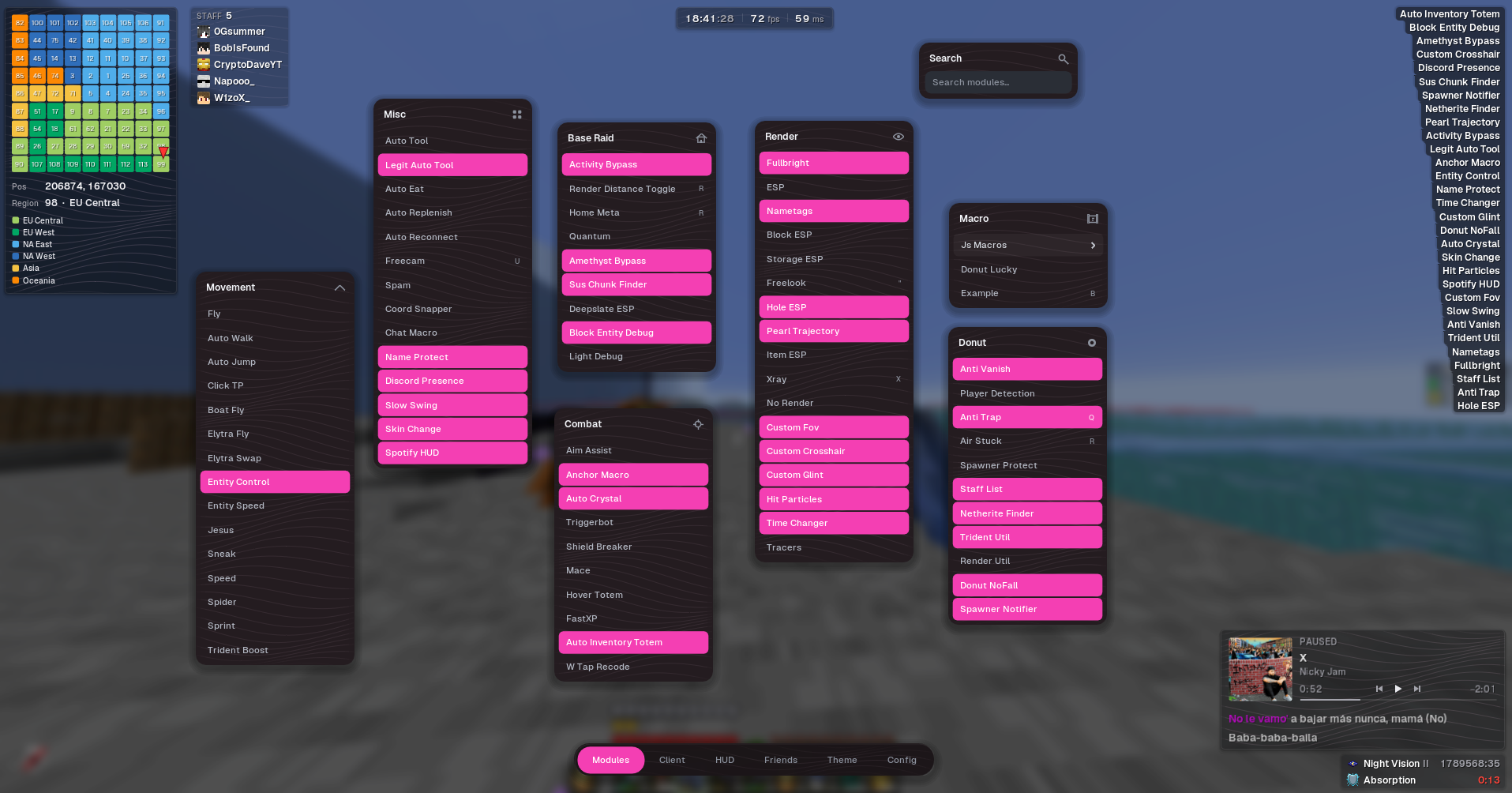
Features
Staff Detection
Staff list and vanish-related alerts
Base Finder
Helps locate suspicious chunks and potential hidden spawners / bases
Best Visuals
Best use of: 3D characters, hand effects and custom skies
How to install Anubis Client
- 1
Download the jar
Use the Download button above. You get a single .jar file.
- 2
Get Fabric API
Anubis Client needs Fabric API for Minecraft 1.21.11. Download it with the Fabric API button above.
- 3
Drop both in your mods folder
Press Win + R, paste the path below and press Enter.
Windows%appdata%\.minecraft\modsmacOS~/Library/Application Support/minecraft/modsLinux~/.minecraft/mods - 4
Launch and open the menu
Start the Fabric 1.21.11 profile in your launcher, join the server, then press RShift to open the menu.
FAQ
Is Anubis Client free?
Yes. No keys, no accounts and no paywalls.
Which Minecraft version does it need?
Minecraft 1.21.11 with the Fabric loader.
What key opens the menu?
Press RShift in game to open the Anubis Client menu.
It crashes on launch.
Make sure Fabric API for Minecraft 1.21.11 is in your mods folder too, and that you start the Fabric 1.21.11 profile.